
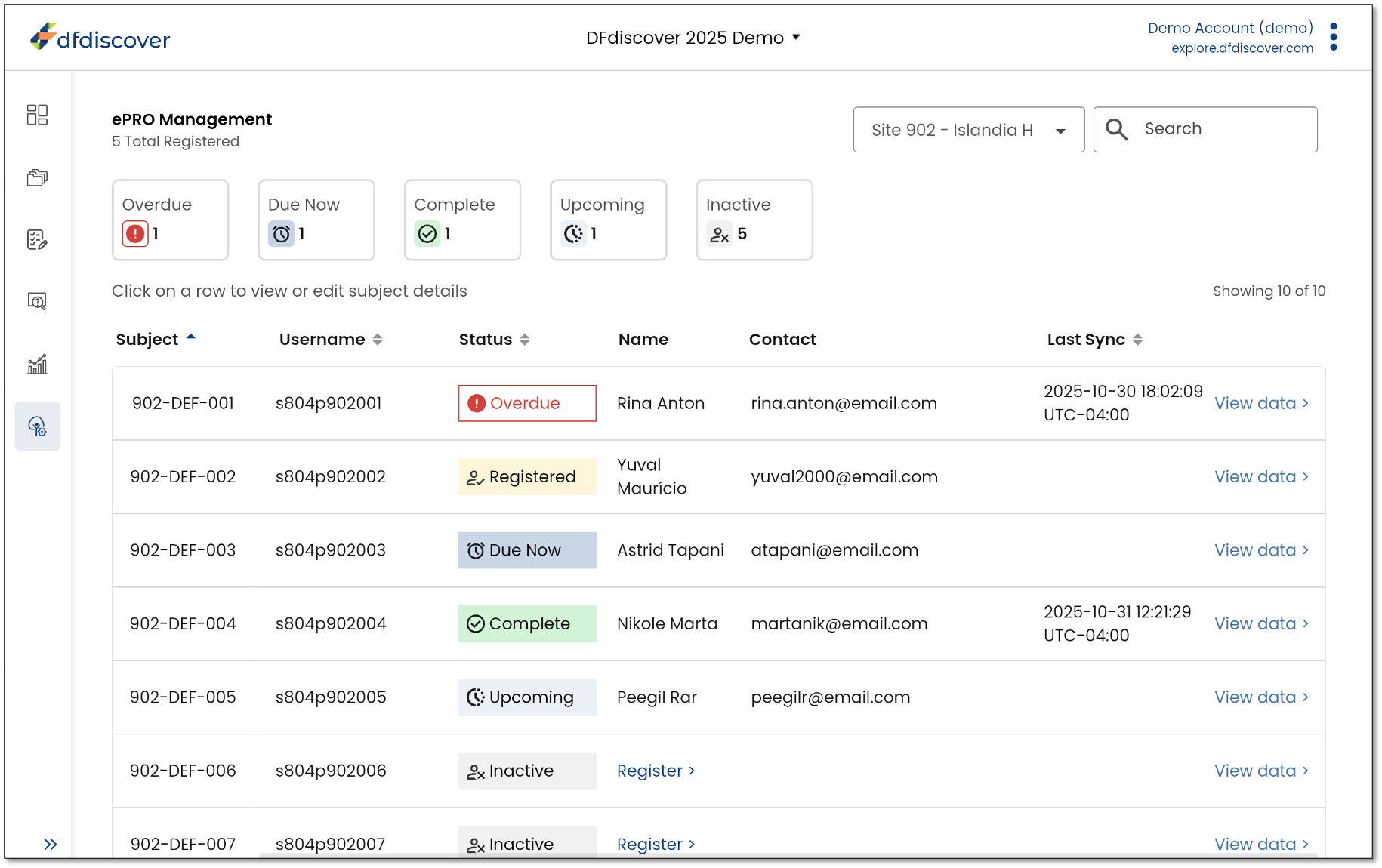
 ePRO Management
Elevate the clinical site experience with an ePRO management portal to help streamline DFengage participant onboarding & follow-up, whether participants are in clinic or remote.
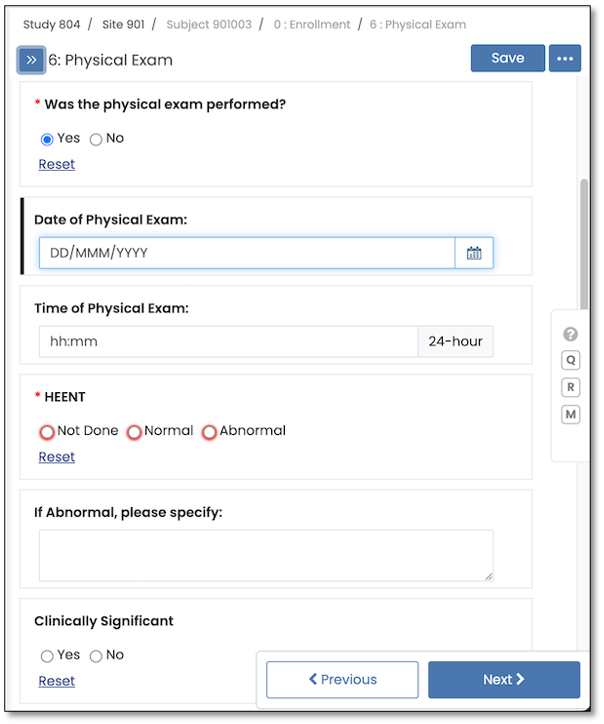
 Field Navigation Taskbar
DFcollect and DFweb now optionally display ‘Previous’ and ‘Next’ buttons for field navigation, helpful for users on touchscreens.
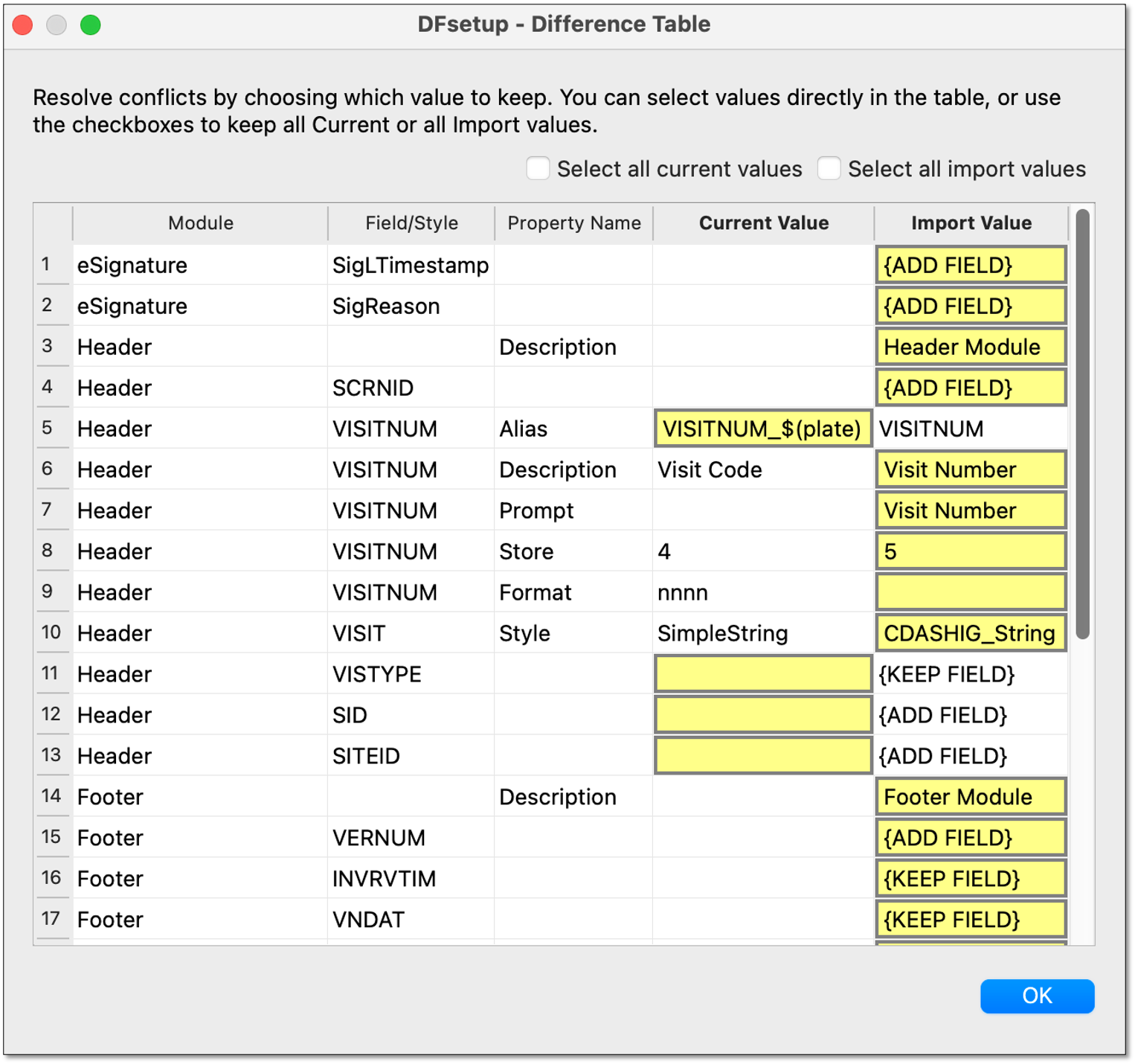
 Setup Import Enhancements
Importing setup from Excel, JSON, or another study now allows merging with existing styles and modules through a conflict resolution dialog.
 Security Updates
Various improvements have been made to ensure the security of the system and your data, including aligned role permissions for DFweb & DFcollect, new field-level encryption option, encryption of all user profile data, optional SSO-only user accounts, and input validation in DFweb.
Check out the Release Highlights for more details on DFdiscover 5.10.
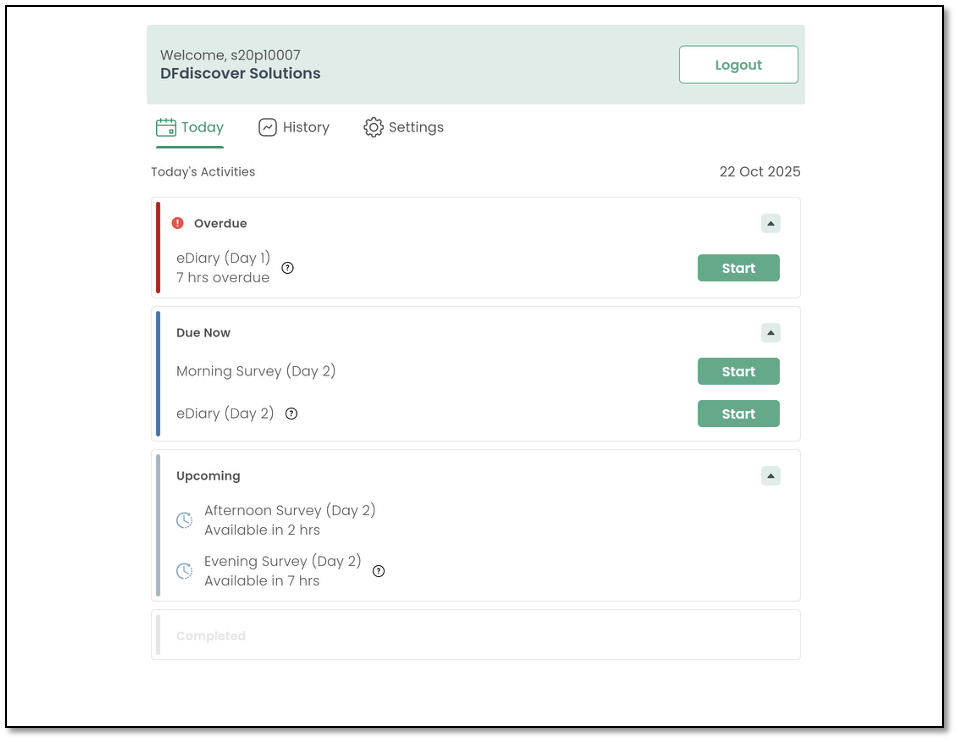
DFengage Web App
DFengage is now available as a web app as well as a mobile app which is available directly from DFnet or may be self-hosted by licensed organizations.
Login Enhancements
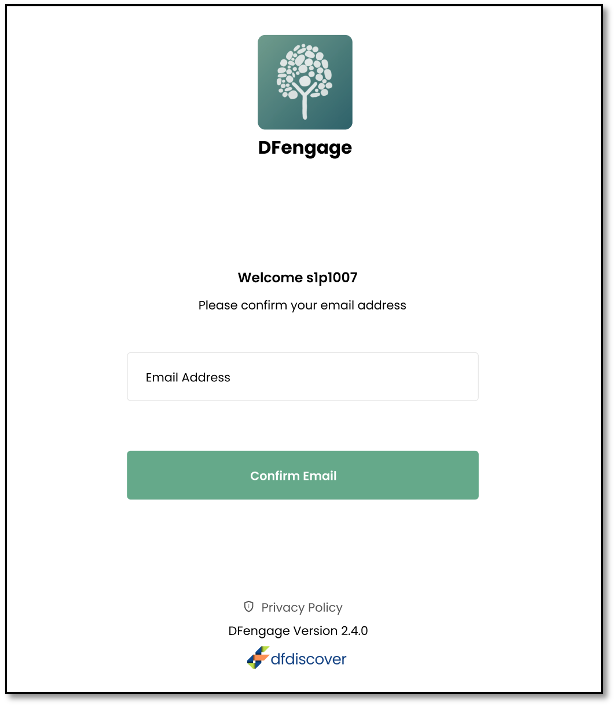
A simplified login flow helps participants get started with DFengage more easily than ever on both mobile and web. Password resets and two-factor authentication are supported now too.
Repeating Activity Option
Activities may now be repeated multiple times with support for visit number ranges with the Scheduled visit type.
 Unsynced Activities Reminder
A red dot appears next to the History icon to flag any pending activities that haven’t yet been received by the DFdiscover server.
Check out the Training Slides for more details on DFengage 2.4.
